How to Use Kalshi: Step-by-Step From Signup to First Trade
Kalshi is the largest CFTC-regulated event-contract exchange and it's available to eligible California residents (dispute pending). This walkthrough covers signup, KYC, funding, your first trade, and withdrawal: the path most California traders follow in under fifteen minutes.

On this page
TL;DR:
Kalshi onboarding takes under 15 minutes for California residents. Sign up with email, complete KYC with a US government-issued photo ID and last 4 of SSN (most accounts approve in under 5 minutes), then fund via free ACH (1-3 business days), instant debit card with a small fee, or wire for larger amounts. Trades are YES/NO contracts that resolve to $1 or $0. The price you pay is your maximum loss. Minimum trade size is $1. You can sell positions any time before resolution. ACH withdrawals are free and settle in 1-3 business days. Year-end gains are taxable at federal and California state level (top CA marginal rate 13.3%); Kalshi provides a profit-and-loss statement for your trades. Common first-trade mistakes: oversizing for the win, trading thin markets first, confusing YES price with probability, holding to resolution out of stubbornness.

Kalshi is a CFTC-regulated exchange where you trade event contracts: yes/no markets on real-world outcomes like elections, Fed rate decisions, NFL games, and Oscar winners. This guide walks through opening an account, funding it, placing a first trade, and withdrawing, all from California.
You can have a funded Kalshi account and your first position open in under fifteen minutes. This is the path most California traders follow: no surprises, no hidden steps.
Step 1: Open the account
Sign up at Kalshi with an email and password. That's it for the first thirty seconds. Kalshi handles age and identity verification in the next step.
- Use a real email. You'll confirm it before you can deposit.
- Pick a strong password and turn on two-factor auth from the settings menu after signup. Enable it before you fund, much easier than retrofitting later.
- Kalshi is legal for any California resident who meets its minimum age of 18 (we recommend 21+). See Is Kalshi legal in California? for the federal-preemption framework if you want the legal background.
Step 2: Verify your identity
Keep reading
Kalshi · Trade $25 and Get $25!
CAPREDICTS
Certain limitations apply. The offer is available to new users only, subject to the terms and conditions at kalshi.com/tc/500. 18+ only. Restrictions and eligibility requirements apply. Event contract trading involves significant risk and is not appropriate for everyone. Please carefully consider if it is appropriate for you in light of your personal financial circumstances. Kalshi products are not available in all jurisdictions. See kalshi.com/regulatory for more information.
Last checked October 5, 2026
Kalshi runs full KYC (Know Your Customer) at signup. Most accounts are approved in under five minutes. You'll need a US government-issued photo ID.
Have ready: a driver's license, passport, or state ID, plus the last four digits of your Social Security Number (used for IRS reporting on year-end tax forms). Kalshi's onboarding asks you to take a phone photo of the ID and a selfie. The match is automated; manual review only triggers on edge cases.
If KYC fails, the most common reasons are a blurry ID photo, a mismatch between the name on your ID and what you typed at signup, or an out-of-state address that doesn't match your ID. Fix the typo or retake the photo and resubmit.
Step 3: Fund your account
ACH bank transfer is free and clears in 1-3 business days. Debit card is instant for a small fee. Wire transfer is fastest for larger amounts.
- ACH: Free. 1-3 business days to settle. Best for ongoing trading. Link your bank via Plaid in the deposit screen.
- Debit card: Instant. Small percentage fee. Best for first-time funding when you want to trade today.
- Wire transfer: Same-day if sent before bank cutoff. Best for amounts above $10,000.
Minimum deposit is $10. There are no California-specific funding restrictions. Every funding method available to a New York or Texas resident is available to you.
Most California traders are fully onboarded, verified, funded, and ready to trade, in under fifteen minutes from the email signup.
Step 4: Place your first trade
Ready to trade?
Kalshi: The regulatory leader.
Sign up at KalshiCertain limitations apply. The offer is available to new users only, subject to the terms and conditions at kalshi.com/tc/500. 18+ only. Restrictions and eligibility requirements apply. Event contract trading involves significant risk and is not appropriate for everyone. Please carefully consider if it is appropriate for you in light of your personal financial circumstances. Kalshi products are not available in all jurisdictions. See kalshi.com/regulatory for more information.
Pick a market, decide YES or NO, set your size, confirm. Minimum trade is $1. Here's how to read the screen.
- Browse markets by category from the homepage: Politics, Sports, Economics, Climate, Culture. Each market resolves to YES or NO based on a real-world outcome.
- Read the contract specification. Click into the market and check the resolution date, the source Kalshi will use to settle (e.g. 'BLS official CPI release'), and any edge-case rules. The spec is the contract, read it.
- Look at the order book, not just the last price. The order book shows the best bid (highest price someone will pay for YES) and best ask (lowest price someone will sell YES for). The spread between them is your roundtrip cost.
- Decide YES or NO. YES contracts pay $1 if the event happens, $0 if it doesn't. NO is the inverse. The price you pay is your maximum loss per contract.
- Set your size. Type how many contracts you want. Kalshi shows your max loss and max profit in real time. Don't size larger than you'd be content losing.
- Choose Limit or Market. Limit orders pay your specified price (or better) but may not fill. Market orders fill instantly at the best available price. Easier for first trades but pays the spread.
- Confirm. Your position appears in the Portfolio tab immediately.
Step-by-step screenshot walkthrough in our first-account opening guide.
How to trade this
Trade Kalshi in 3 Quick Steps
- Open your account at Kalshi and check for a sign-up offer. Complete identity verification with a valid US ID and SSN for quick approval.
- Fund your account with an amount like $10-$25 via ACH or debit card, keeping trades small to manage risk. Only trade what you can comfortably afford to lose.
- Select any Kalshi market, such as an election or Fed rate decision. Use a limit order and read the market's resolution rules carefully before placing your first trade.
Step 5: Manage and exit positions
You don't have to hold to resolution. Most active markets let you sell back into the order book any time before settlement.
Open positions live in the Portfolio tab. Click any position to see current price, unrealized P&L, and a Close button. Selling out works the same way as buying. You're hitting the bid for YES (or NO) instead of lifting the offer.
Two practical rules. First, in thin markets, the spread on the way out is often wider than on the way in. Assume your roundtrip cost is double the visible spread. Second, news catalysts (Fed announcements, game kickoffs, election polls) compress spreads dramatically. If you want to exit cleanly, do it before the catalyst, not during.
Step 6: Withdraw winnings
ACH withdrawals are free and settle in 1-3 business days. There's no California-specific withdrawal restriction.
From the Account menu, click Withdraw, choose your linked bank, type the amount, confirm. Kalshi runs the same fraud checks the deposit side does, first withdrawals occasionally trigger a one-time identity confirmation email. After that, it's a one-click flow.
Kalshi's year-end profit-and-loss statement is available in your account. Kalshi gains are taxable at federal and California state level. See our California prediction market taxes guide for filing details.
Common first-trade mistakes
| Mistake | Correction |
|---|---|
| Sizing for the win, not the loss. | New traders pick a contract they're confident in and size it to maximize the upside. The right way: size so the maximum loss is an amount you'd shrug off. |
| Trading thin markets first. | A market with $500 of volume has a 6¢+ spread. You're paying the price-discovery cost. Start in liquid markets (election outcomes, Fed rate decisions, marquee sporting events) where spreads are 1-2¢. |
| Confusing YES price with probability. | YES at 65¢ means the market thinks the event has a 65% chance. If you think the real probability is 70%+, that's a trade. If you just like the team, that's not. |
| Holding to resolution out of stubbornness. | If your thesis breaks (news comes out against you, the catalyst already happened), exit. Holding 'because it might still hit' is a common way to give back gains. |
Where to go after your first trade
Once you have a few trades on Kalshi, the natural next steps are comparing alternatives and learning category-specific dynamics. Try our Kalshi vs Polymarket comparison for cross-platform pricing differences, our What are event contracts? explainer for the underlying product mechanics, and the California prediction markets guide for the broader legal and platform landscape.
Trade responsibly. If it stops being fun, take a break. Call 1-800-GAMBLER or visit ncpgambling.org.
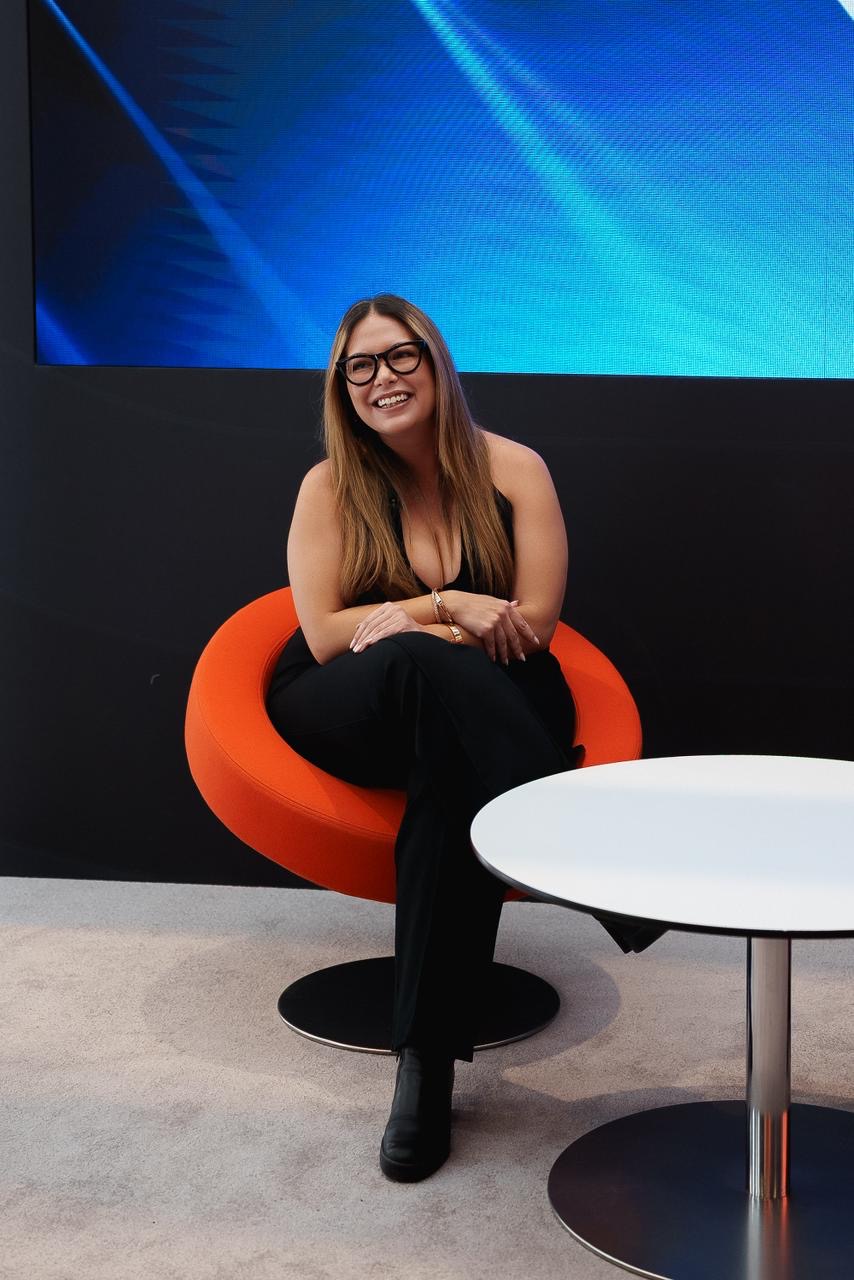
About the author
Catie Di Stefano
Catie Di Stefano has spent 15 years in the regulated gambling industry, starting at Betsson Group in Malta and spending nearly five years at Gaming Innovation Group (GiG) before building an independent consultancy across European and US iGaming brands, including a licensed engagement with Hard Rock Hotel & Casino Atlantic City under a New Jersey DGE vendor license. She's been interviewed by the California Business Journal on the rise of online gambling in the US, and spoke on a 2022 Next.io panel specifically about California's gaming market. She went on to build the OnlineGamblers.com brand and hold marketing director roles at Smartico.ai and Vegas Kings, and has been named to multiple iGamingExpress industry rankings. She now covers regulated prediction markets full-time.
Editorial standards: How we research and rank
Keep reading
- What Are Event Contracts? A Plain-English Guide
- Recap: How to Bet on the World Cup in California Legally in 2026
- How to Open Your First Prediction Market Account: A Beginner's Guide for 2026
Keep the loop going
- This week's biggest price moves across the markets we track.
- Dated log of offer, ranking and state-availability changes so you know how current a page is.
Weekly digest
The weekly California markets email is launching soon. Until then, see this week's biggest moves and site updates.
Sources & further reading
Every figure and legal claim on this page traces back to a primary source. These are the ones we checked, open them and verify us.
- CFTC: Commodity Futures Trading Commission
The federal regulator that authorizes and supervises every event-contract exchange we cover.
- CFTC designated contract markets registry
Official list of registered exchanges, where we verify a platform's DCM status.
- Commodity Exchange Act (7 U.S.C. § 1 et seq.)
The federal statute that platforms cite as overriding state gambling law for event contracts; courts are still deciding how far it reaches.
- National Council on Problem Gambling
Free, confidential help and self-assessment tools (1-800-522-4700).
Keep reading
Next steps
Ready to get started?
Kalshi
The regulatory leader.
Sign up at KalshiCertain limitations apply. The offer is available to new users only, subject to the terms and conditions at kalshi.com/tc/500. 18+ only. Restrictions and eligibility requirements apply. Event contract trading involves significant risk and is not appropriate for everyone. Please carefully consider if it is appropriate for you in light of your personal financial circumstances. Kalshi products are not available in all jurisdictions. See kalshi.com/regulatory for more information.
Frequently asked questions
How do I sign up for Kalshi?
Go to Kalshi.com, enter an email and password, and confirm your email. The whole signup takes under 60 seconds. KYC verification is the next step and requires a US government-issued photo ID and the last four digits of your SSN. Most accounts are approved in under five minutes.
How long does Kalshi KYC take?
Most accounts are approved in under five minutes. The verification is automated: you upload a photo of your driver's license, passport, or state ID, plus a selfie that's automatically matched to the ID. Manual review only triggers on edge cases like a blurry photo or a name mismatch.
What's the minimum deposit on Kalshi?
$10. There are no California-specific funding restrictions. ACH bank transfers are free and clear in 1-3 business days. Debit cards are instant for a small percentage fee. Wire transfers are typical for amounts above $10,000.
How do I place my first trade on Kalshi?
Pick a market from the homepage (Politics, Sports, Economics, Climate, Culture), read the contract spec to confirm the resolution date and source, decide YES or NO, set how many contracts you want, and confirm. The price you pay (between $0 and $1) is your maximum loss per contract. Minimum trade size is $1.
What does the YES price on Kalshi mean?
It's the market's estimate of the probability the event happens. A YES price of 65¢ means the market thinks there's a 65% chance the event resolves YES. If it does, each contract pays $1 and you profit 35¢ per contract minus fees. If it doesn't, each contract pays $0 and you lose your 65¢ purchase price.
Can I sell a Kalshi position before it resolves?
Yes, on most active markets. Open the Portfolio tab, click the position, and click Close. You're selling back into the order book at the current best bid (for YES) or offer (for NO). In thin markets the spread on the way out is often wider than on the way in. Assume your roundtrip cost is double the visible spread.
How do I withdraw from Kalshi?
From the Account menu, click Withdraw, choose your linked bank, type the amount, and confirm. ACH withdrawals are free and settle in 1-3 business days. There's no California-specific withdrawal restriction. First withdrawals occasionally trigger a one-time identity confirmation email.
Do I owe taxes on my Kalshi trades?
Yes. Kalshi gains are taxable at both federal and California state level. Kalshi provides a profit-and-loss statement for your trades. California's top marginal rate is 13.3%. Consult a California-licensed CPA for your specific situation.
What is the minimum trade size on Kalshi?
Kalshi allows for a minimum trade size of a single contract, which costs between one cent and 99 cents. There is no requirement to purchase large blocks of contracts. This allows California users to test strategies with very small amounts of capital before scaling up. Total trade cost is simply the contract price multiplied by the number of contracts purchased.
How long does it take to withdraw money from Kalshi to a California bank?
Withdrawals via ACH usually take between one and three business days to arrive in your California bank account. Wire transfers are faster, often completing within one business day, but may incur fees from your financial institution. Kalshi does not charge a fee for standard ACH withdrawals, making it a cost-effective way to move your trading profits.
18+ · T&Cs apply · Terms
Certain limitations apply. The offer is available to new users only, subject to the terms and conditions at kalshi.com/tc/500. 18+ only. Restrictions and eligibility requirements apply. Event contract trading involves significant risk and is not appropriate for everyone. Please carefully consider if it is appropriate for you in light of your personal financial circumstances. Kalshi products are not available in all jurisdictions. See kalshi.com/regulatory for more information.

